Block distractions. Tap to start. Tap to stop.
App blocking, automated schedules, and focus analytics — with physical commitment built in.
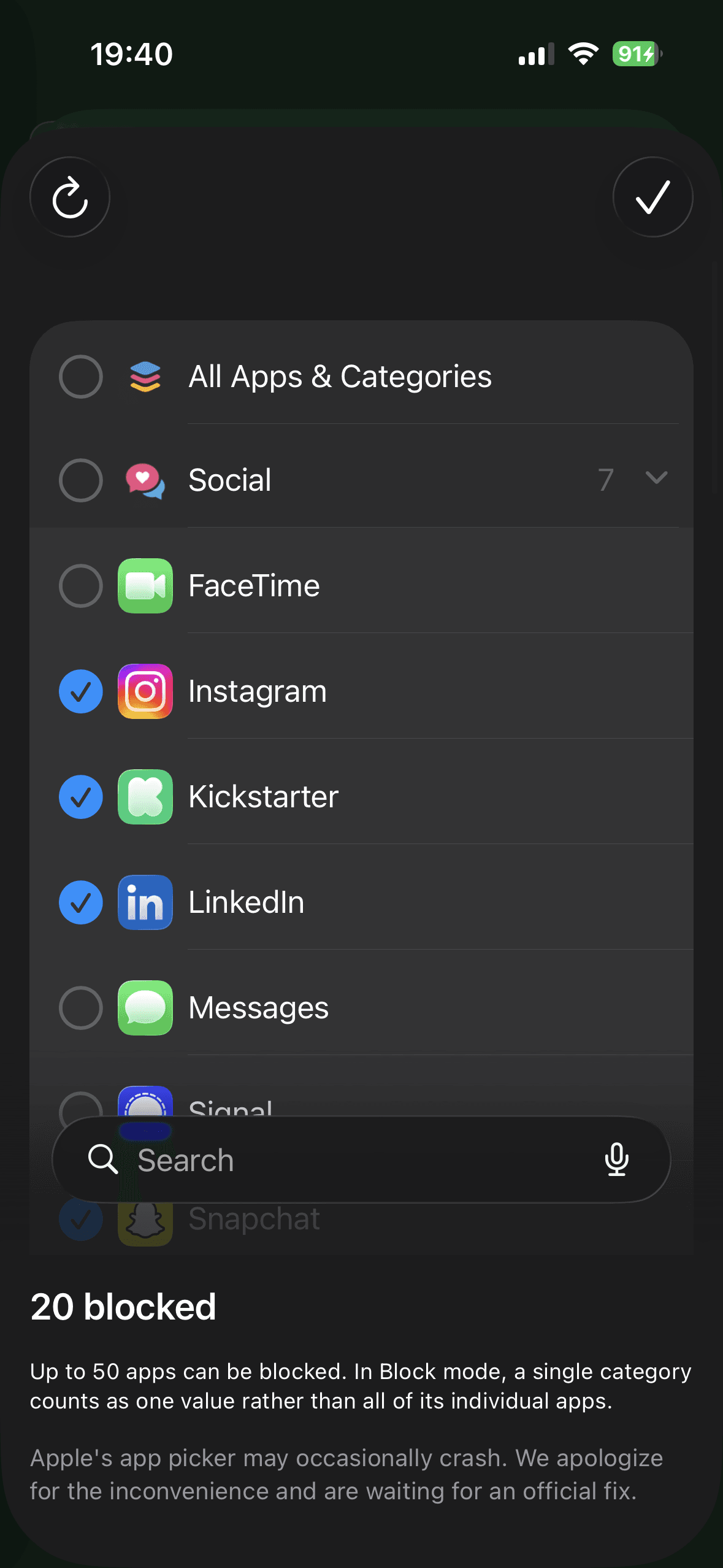
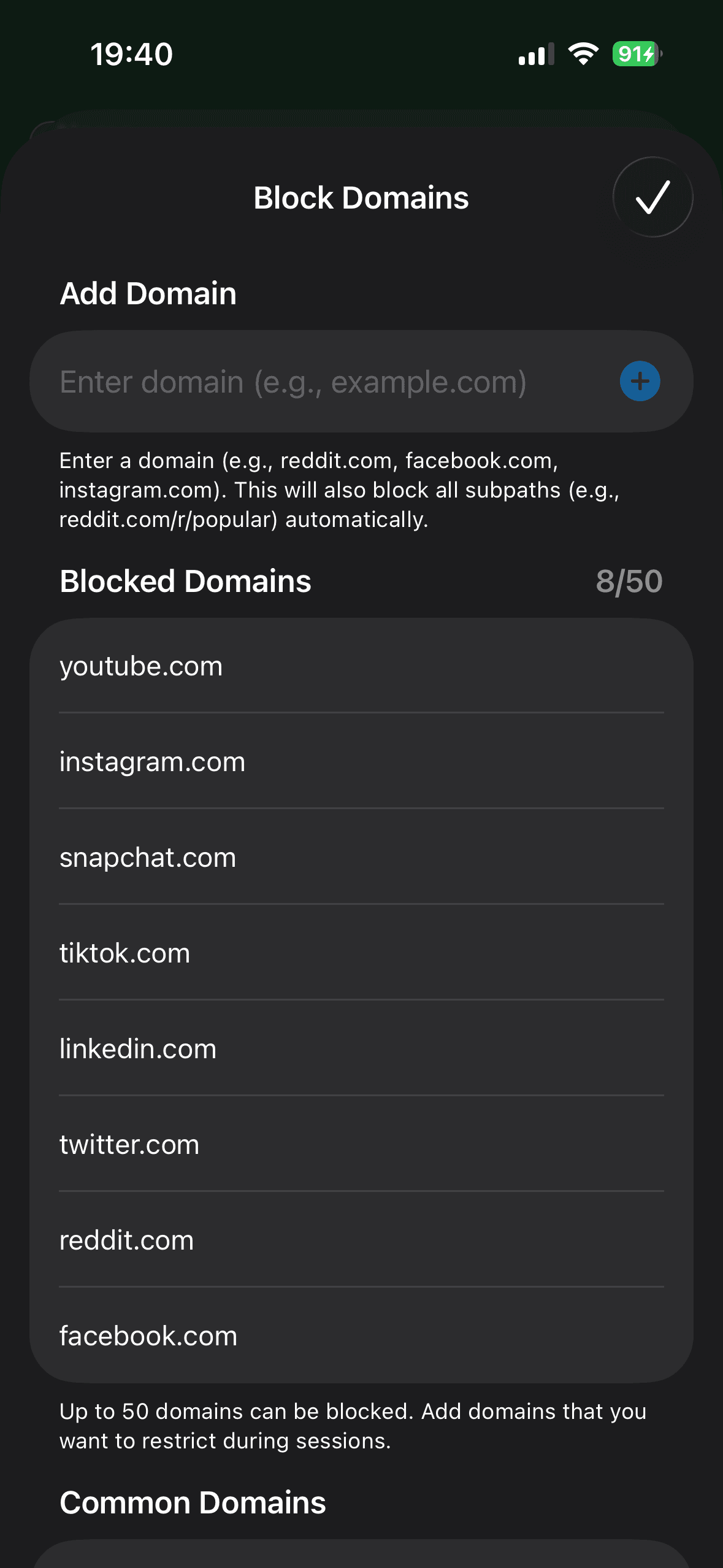
Block what distracts you
Create custom blocking profiles for different parts of your life. Pick exactly which apps and websites to block — or flip to allow mode to only permit what you need.
- Block individual apps or entire categories
- Block specific websites and domains
- Multiple profiles for different contexts — Deep Work, Study Mode, Family Time
- Switch profiles without ending your session
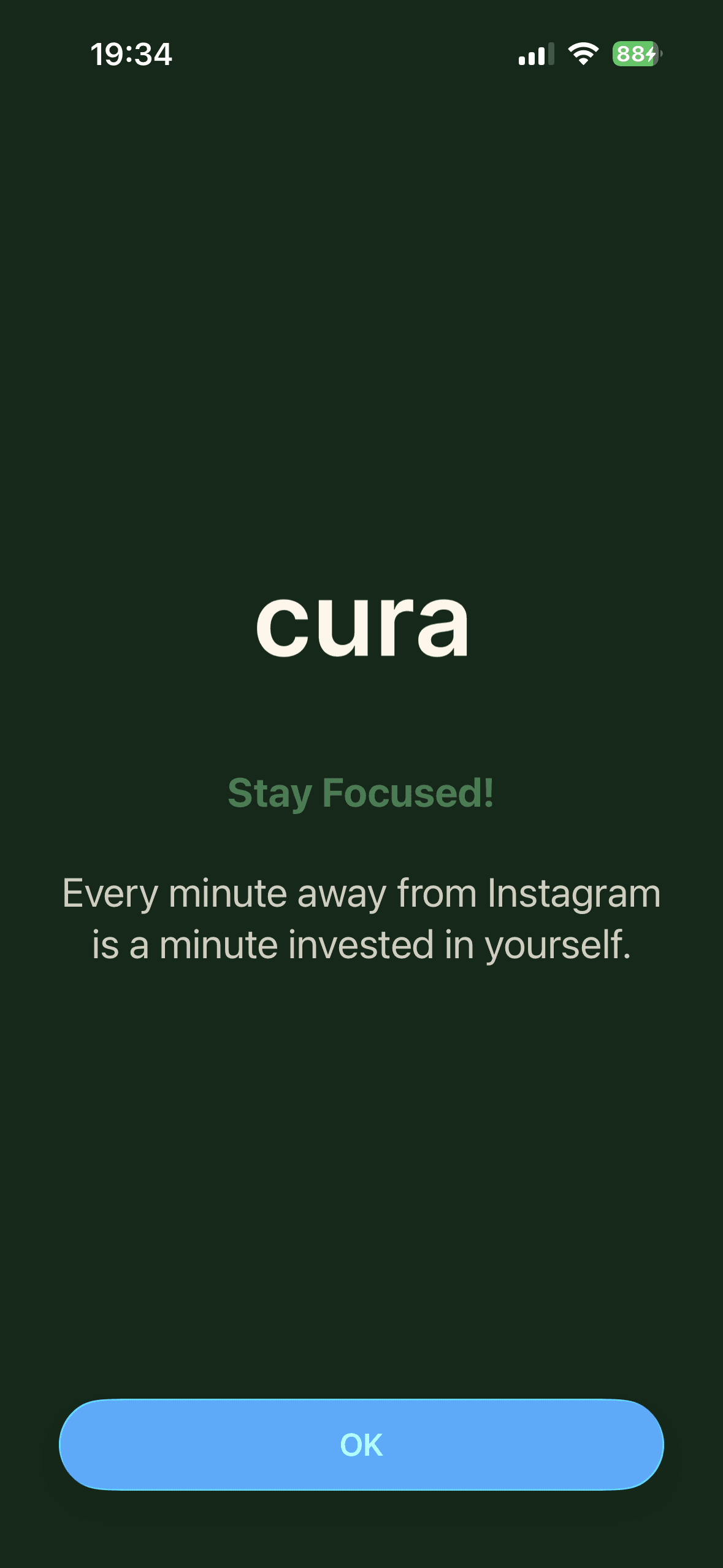
Blocking that can’t be dismissed
When you try to open a blocked app, Cura shows a shield — not a suggestion. There is no "ignore for 15 minutes" button. To end your session, you have to physically return to your Cura Station or Block and tap again.
- Uses Apple’s parental controls system — the same one families trust
- No override button on your phone
- Blocking stays active even when the app is closed
- Physical tap required to end your session
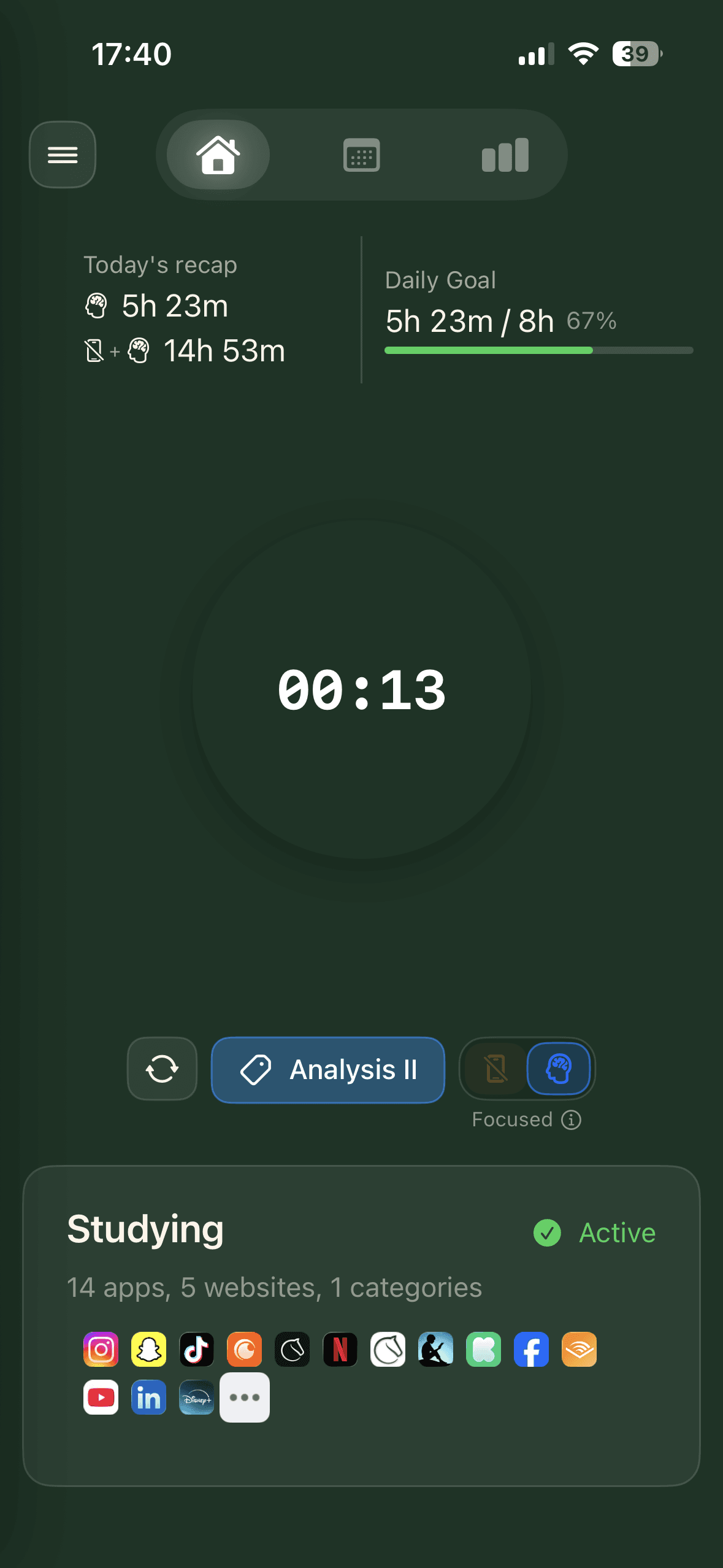
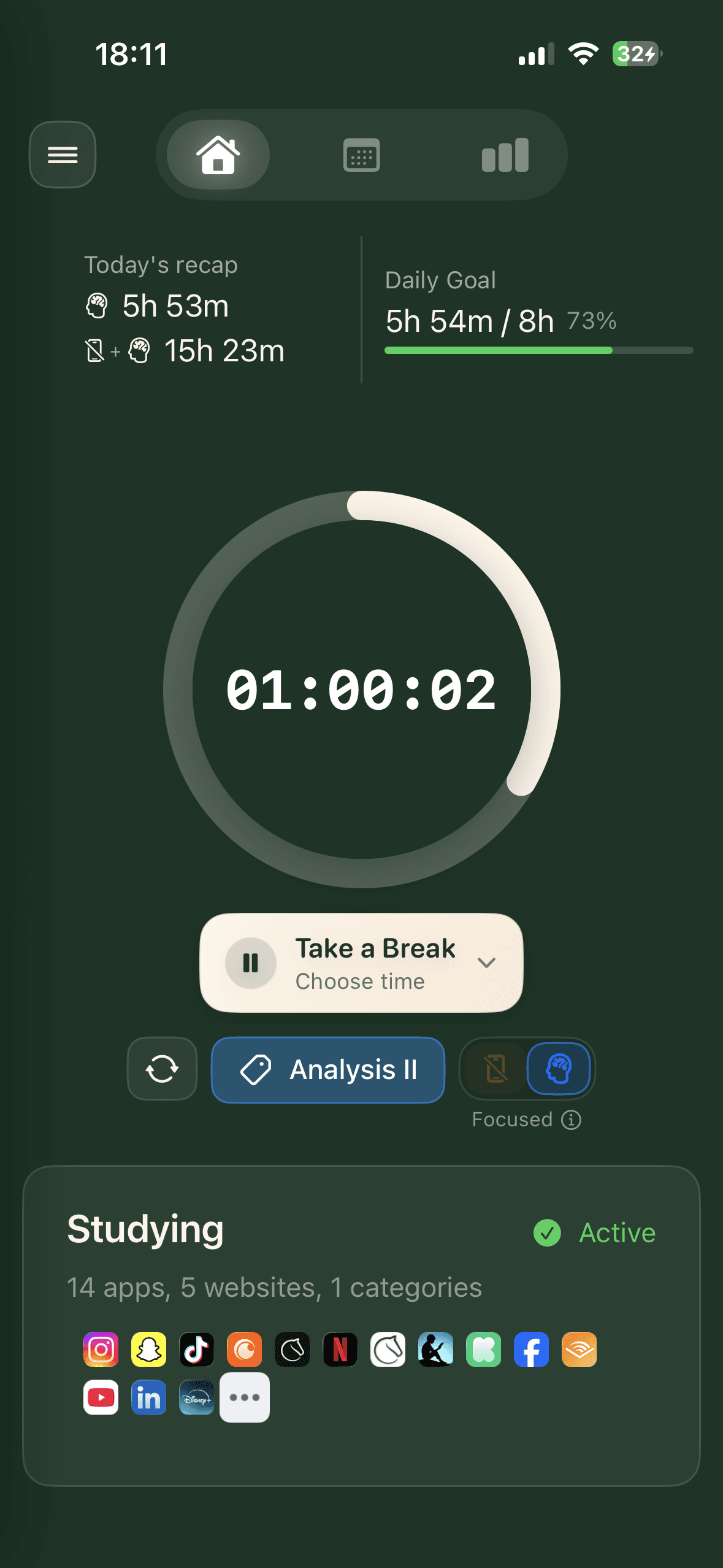
Sessions your way
Start an open-ended stopwatch session when you want to focus without pressure, or set a timer for structured deep work. Either way, your session is visible at a glance — on your Lock Screen and Dynamic Island.
- Stopwatch mode — focus as long as you need, no timer pressure
- Timer mode — structured sessions with countdown
- Live status on your Lock Screen and Dynamic Island
- Full session history with details and trends
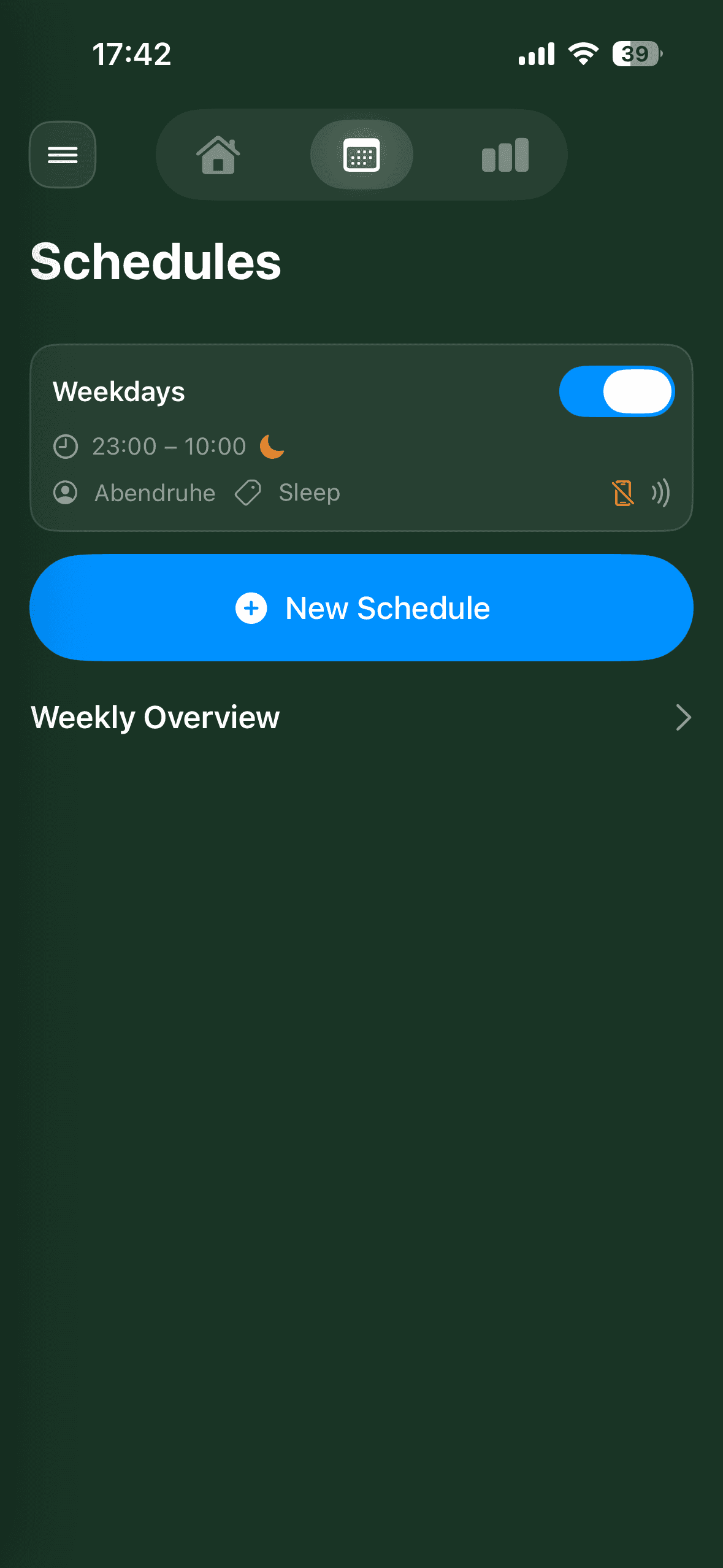
Automate your focus
Set weekly schedules that activate your blocking profiles automatically. Monday-to-Friday study blocks, weekend creative time, or any custom routine. Cura handles the rest.
- Weekly schedules with day and time selection
- Blocking profiles activate and end automatically
- Daily focus goals with progress tracking
- Monday morning, your phone locks down — you don’t have to decide
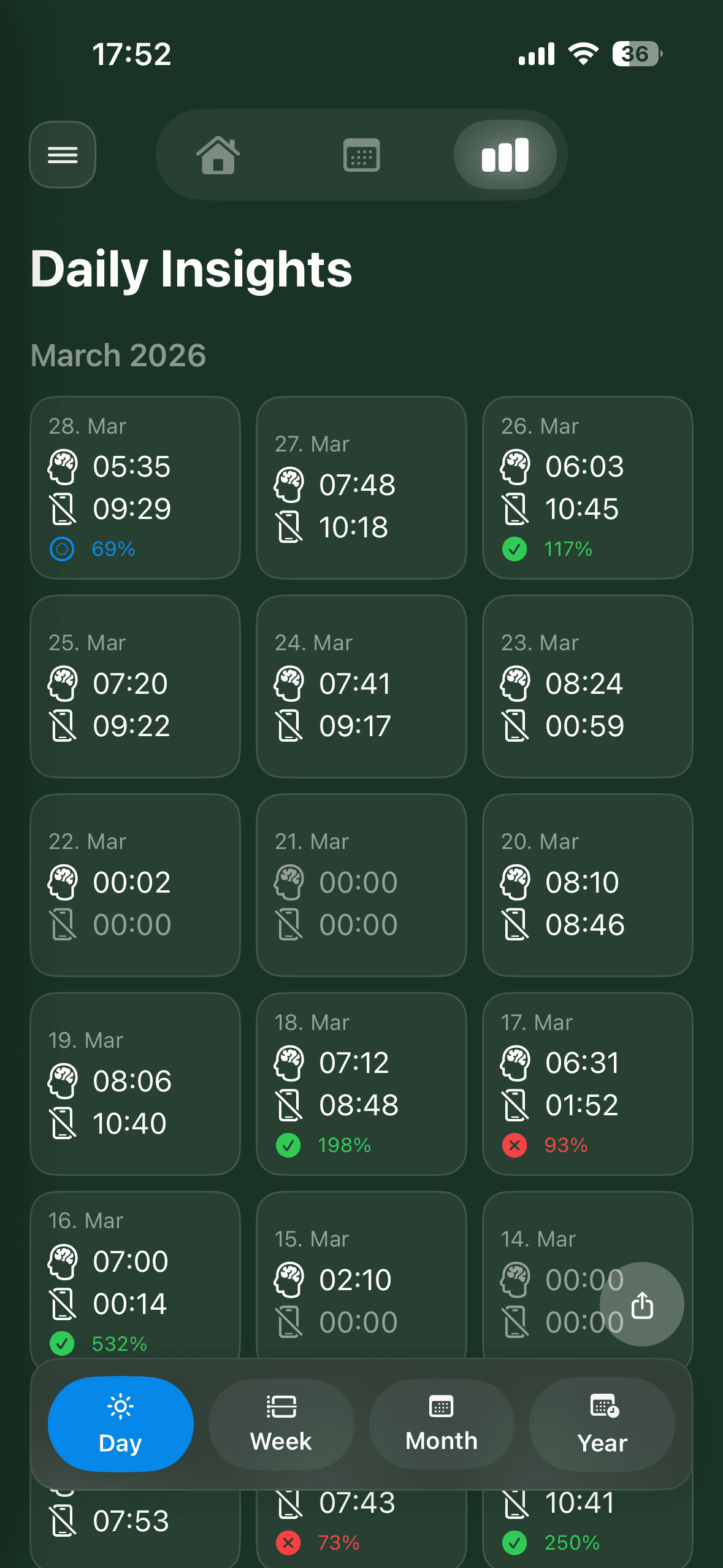
Understand your habits
See exactly where your focused time goes. Cura tracks every session and breaks it down into daily, monthly, and yearly views so you can spot patterns and build better habits.
- Daily, monthly, and yearly analytics
- See which profiles and activities you use most
- Track streaks and daily goal achievement
- Export your data as CSV or PDF
And even more
Smart Breaks
Cura offers breaks based on your session length and remaining time. Stay focused without burning out.
iCloud Backup
Your profiles, activities, and session history stay backed up in your personal iCloud. Your data never touches our servers.
Daily Goals
Set a daily focus target and track your streak. Watch your consistency build over days and weeks.
Live Activities
See your active session on your Lock Screen and Dynamic Island. Always know where you stand without opening the app.
Ready to try it?
Get a Cura Block for your desk, or find a Cura Station at a library near you.