cura [kjʊə.rə] n. Latin — 1. Care; attention; healing. 2. Using your phone with intent, not impulse.
The apps on your phone are designed to keep you scrolling. That's not a you problem — it's by design.
Cura pairs app blocking with physical devices — Cura Stations at libraries and universities, or portable Cura Blocks at home. To end a session, you have to physically walk back and tap again.
How it works
Three steps to focus that actually sticks.
Choose what to block
Pick the apps, websites, and domains that distract you. Create profiles for different contexts — studying, deep work, winding down.
Tap to start
Tap your phone on a Cura Station at a library or university, or use a portable Cura Block at home. Your focus session starts instantly — distracting apps are blocked.
Stay focused
To end your session, you have to physically return to your Station or Block and tap again. No dismiss button. No shortcut. That's the point.
See it in action
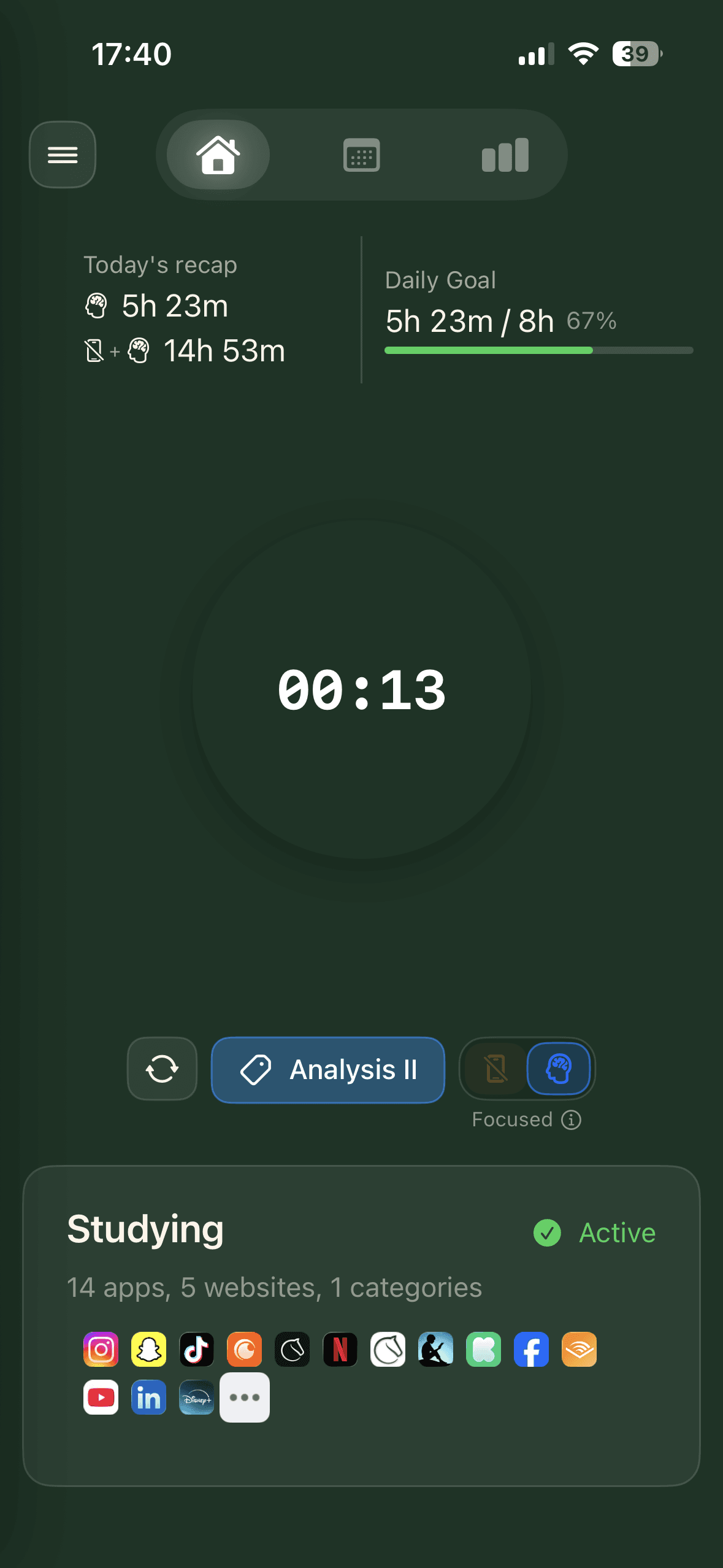
Open-ended sessions
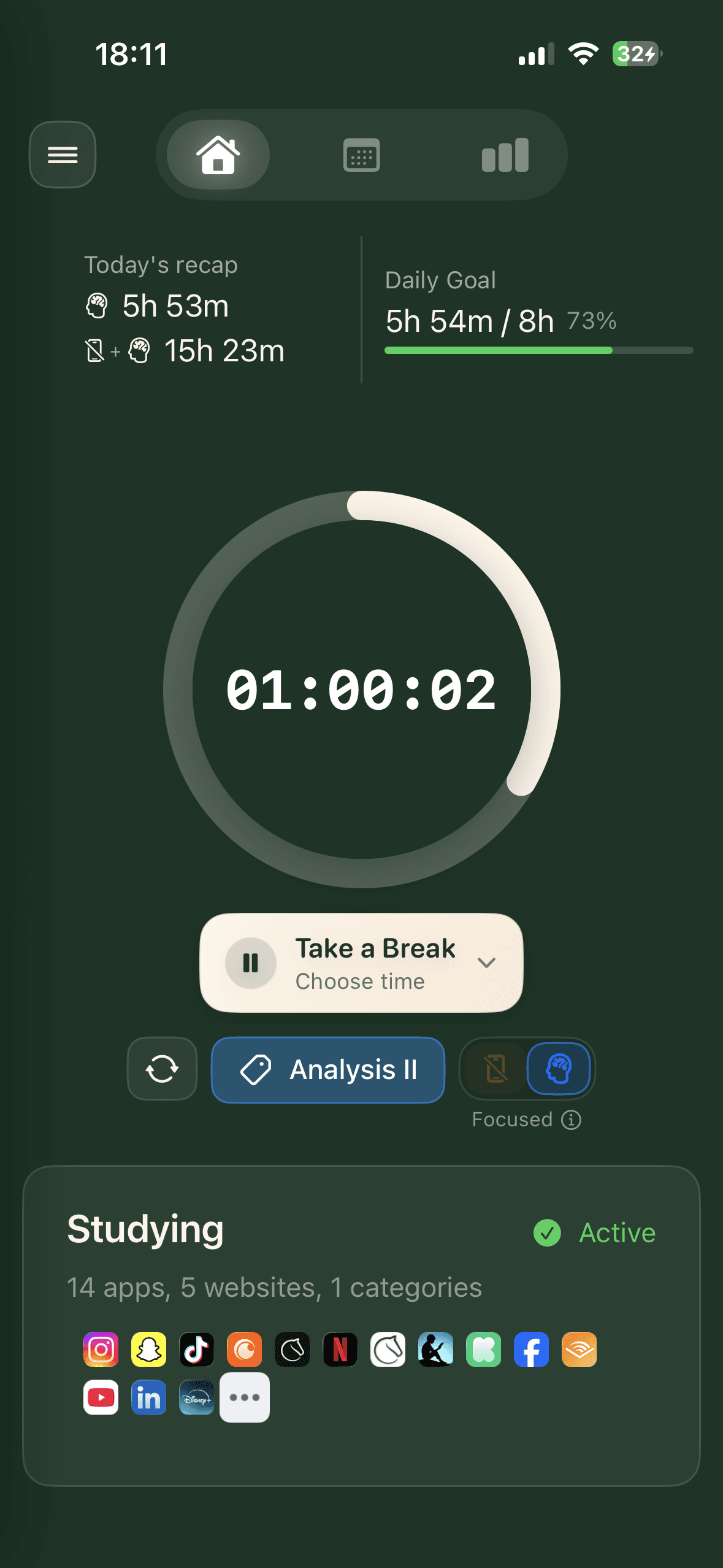
Timed focus sessions
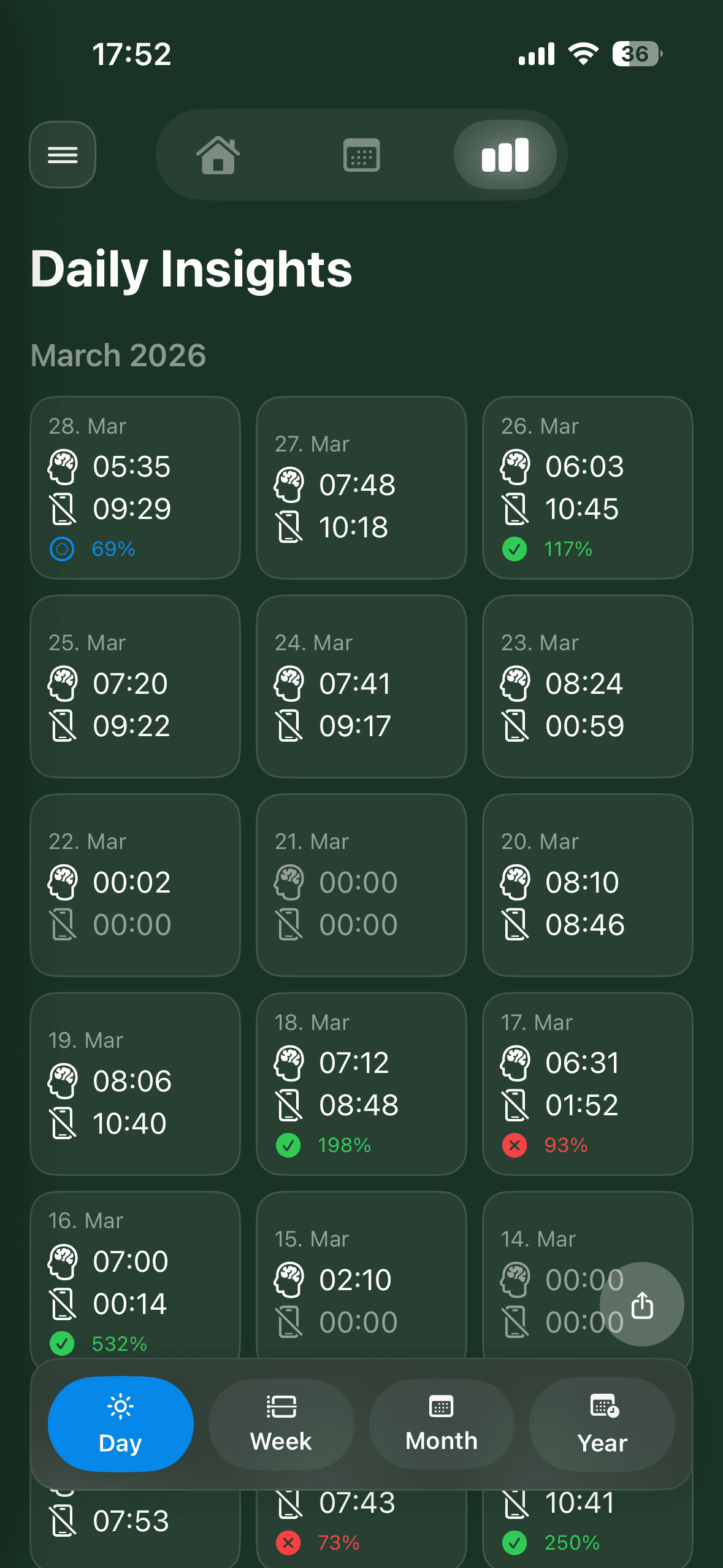
Daily insights
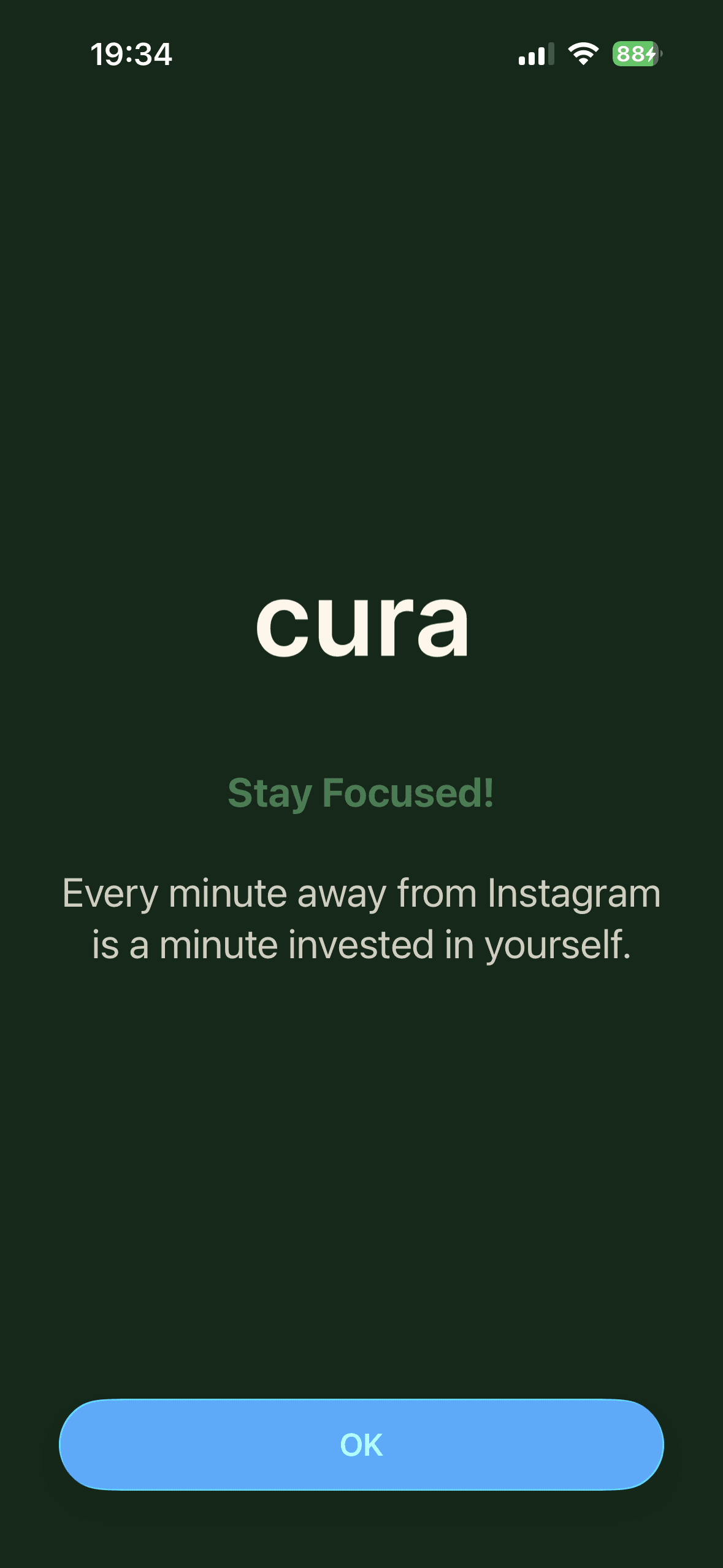
Apps stay blocked
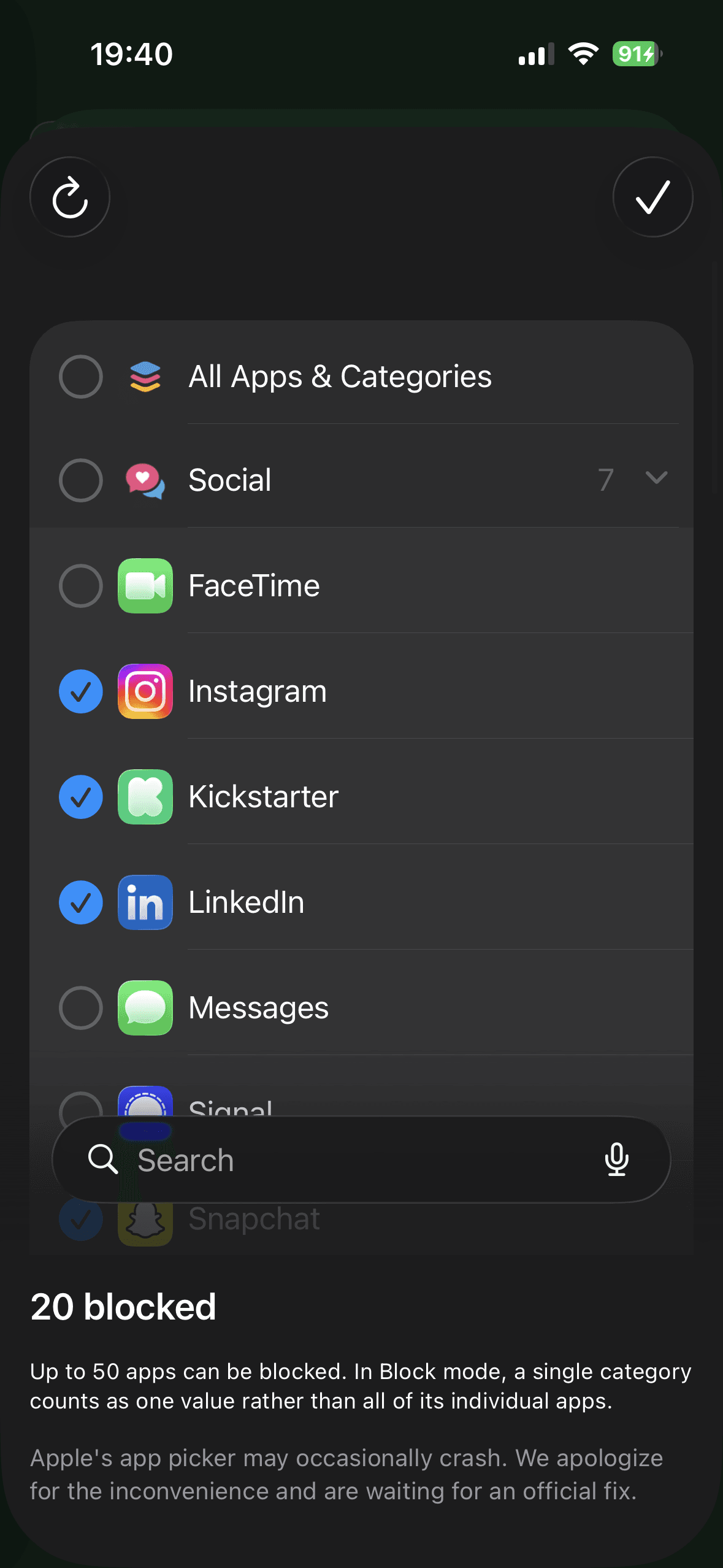
Choose what to block
Open-ended sessions
Timed focus sessions
Daily insights
Apps stay blocked
Choose what to block
Why cura?
Physical commitment
To end a focus session, you have to physically walk back to your Station or Block and tap again. That friction is the feature.
Your schedule runs itself
Weekly schedules activate your blocking profiles automatically. Daily goals track your progress. Set it once and your phone follows the plan.
Cura Stations are coming to libraries and universities
Free to host. No power or WiFi needed. Zero IT burden. Cura Stations help institutions create distraction-free environments.
Make your focus physical
Get a Cura Block for your desk, or try a Cura Station at a library near you.